The Ranchers Update 0.8.10.871: Mastering the New Camera Controls and Settings
Optimize your gameplay in The Ranchers with our detailed guide to the new camera settings in patch 0.8.10.871, from reducing motion sickness to improving base building.
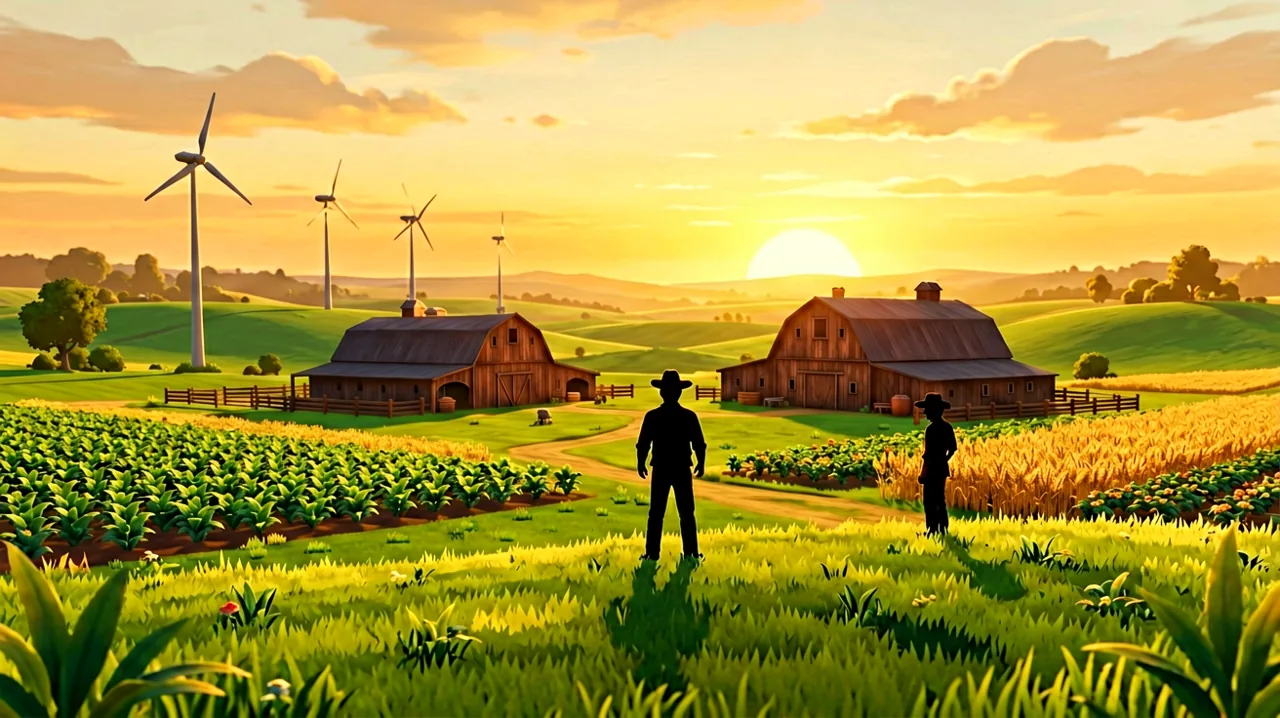
The early access journey for The Ranchers has been a whirlwind of massive content drops, balancing passes, and crucial bug fixes. While previous patches tackled everything from animal breeding mechanics to the intricacies of co-op server stability, RedPilz Studio’s latest release—patch 0.8.10.871—focuses entirely on how we physically view and interact with the open world.
If you have been wrestling with the mouse controls while trying to line up the perfect fence, or feeling slightly dizzy after a long session in the mines, this update is specifically built for you. The developer has fundamentally reworked the camera system, introducing a suite of new settings that grant players precise control over their viewing experience.
Understanding these new toggles and sliders isn’t just about reading the patch notes; it is about finding the sweet spot that fits your specific playstyle, hardware, and comfort level.
The Core Problem: Why the Camera Needed Fixing
Since the game launched into Early Access on PC, macOS, and Linux, players have praised the seamless nature of the open world. However, navigating that world sometimes felt slightly frictionless in the wrong ways.
The primary culprit was an issue the developers identified as a “reversed acceleration feeling” during camera rotation. When you moved your mouse to pan across your farm, the camera didn’t always translate that physical movement linearly on the screen. It created a subtle disconnect—you would flick your wrist to quickly check on your livestock, and the camera would either drag too slowly or snap too aggressively. This inconsistency made precise tasks incredibly frustrating.
Furthermore, the default maximum zoom-in distance often felt restrictive. Whether you were trying to get a close-up look at a half-finished machine crafting queue, or attempting to back your pickup truck out of a tight spot near the trading guild, the camera would sometimes clip awkwardly or fail to give you the necessary perspective.
Patch 0.8.10.871 targets these foundational issues directly. The mouse camera movement has been smoothed out to offer predictable control, meaning your raw mouse input now directly dictates rotation speed without artificial acceleration curves interfering. Additionally, the zoom parameters have been explicitly adjusted to dramatically improve the usability of both building and base customization and vehicles and travel.
Breaking Down the New Settings Menu
When you boot up the game and navigate to the options menu, you will find three brand-new configurations under the camera and controls section. Here is exactly what they do and how you should be using them.
1. Mouse - Camera Sensitivity
Previously, players had to rely on adjusting their operating system’s mouse settings or their mouse’s hardware DPI to find a comfortable rotation speed in-game. RedPilz Studio has finally added a dedicated in-game slider.
This allows you to decouple your cursor speed in the inventory menus from your physical look speed in the 3D world. If you use a high DPI setting for fast inventory management, you can now lower the in-game camera sensitivity to ensure you aren’t spinning 360 degrees every time you nudge the mouse to water a crop.
2. Automatically Follow Character Direction
By default, The Ranchers employs an independent camera system—you move with your movement keys (WASD) and look freely with your mouse. Patch 0.8.10.871 introduces the option to tie these two elements together.
When toggled “On”, the camera will actively attempt to position itself behind your character, facing the direction you are currently moving. Notably, the developers have chosen to leave this setting Off by default.
For traditional keyboard and mouse players, leaving it off is usually preferable, as independent aiming is crucial for precision clicking during farming. However, if you are playing with a controller, or if you prefer a more relaxed, cinematic traversal experience where you don’t have to constantly babysit the right analog stick, turning this on will make navigating the sprawling islands feel much more intuitive.
3. On-Foot - Camera Follow Delay
This is arguably the most important addition for accessibility and comfort. If you choose to enable the “Automatically Follow Character Direction” setting, this new slider dictates exactly how long the camera waits before it begins realigning itself to your back.
Why is this important? If the camera snaps immediately to follow your every minor directional adjustment, the screen will jerk constantly as you weave between crop plots or dodge enemies. This harsh, stuttering movement is a massive trigger for motion sickness in 3D simulation games.
By increasing the follow delay, you create a soft buffer. You can make quick, short adjustments to your character’s position without the camera aggressively whipping around. It will only begin to pan smoothly behind you once you have committed to running in a specific direction for a set amount of time.
Recommended Camera Profiles for Different Playstyles
Because The Ranchers is a hybrid game that blends farming and crops, complex power grid construction, and fast-paced mining and combat, your optimal camera settings will likely shift depending on your current daily goals.
Here are a few recommended setups based on specific activities:
The Master Builder Setup
When you are spending your day laying down concrete foundations, wiring solar panels, and organizing rows of automated sprinklers, precision is your only priority.
- Auto-Follow: Off
- Sensitivity: Low to Medium (You want smooth, deliberate pans, not jerky snaps).
- Zoom: Mid-range to Maximum distance. The updated zoom parameters mean you can now pull the camera back further without losing detail, giving you a proper bird’s-eye view of your grid layout.
The Explorer and Transporter Setup
If your itinerary involves hopping into the pickup truck, driving across the hills to the coastal town, or taking your yacht out to a shipwreck, you want the camera to do the heavy lifting for you so you can enjoy the scenery.
- Auto-Follow: On
- Follow Delay: Medium to High. You want the camera to gently drift behind your vehicle or mount, rather than snapping violently every time you adjust your steering around a rocky path.
- Sensitivity: Medium.
The Dungeoneer Setup
Venturing into the mines requires high responsiveness. You need to be able to kite aggressive enemies, check your blind spots, and swing your weapons accurately.
- Auto-Follow: Off. You must be able to run backwards or strafe sideways while keeping the camera focused on the approaching threat.
- Sensitivity: High. Quick 180-degree turns are essential for survival when cornered in a dungeon.
- Zoom: Closer to the character to prevent the camera from clipping through narrow cave walls or stalagmites.
Addressing Motion Sickness and Accessibility
Simulation games that transition from 2D pixel art (like Stardew Valley) into full 3D environments often inadvertently alienate a portion of the audience due to simulation sickness. The constant panning, combined with tracking small objects like seeds or moving animals, can quickly cause eye strain and nausea.
The introduction of the “On-Foot - Camera Follow Delay” is a massive win for accessibility. If you are someone who struggles with motion sickness in 3D titles, we highly recommend turning Auto-Follow ON, but setting the delay slider to the maximum comfortable limit. This ensures the camera remains relatively static during the micro-movements of animals and ranching chores, only moving when you embark on a long walk across the map.
Additionally, pairing these new settings with a steady framerate and ensuring your gaming room is well-lit can further mitigate discomfort during marathon sessions.
The Road Ahead for QoL Updates
It is always encouraging to see developers prioritize the structural “feel” of a game over rushing out shiny new content drops. The camera is the lens through which we interact with every single mechanic RedPilz Studio has built. By refining it now, early in the Early Access period, they are laying a solid foundation for the upcoming roadmaps.
We expect to see further refinements to the UI and control schemes as the community continues to provide feedback. There are still community-reported requests for customizable FOV (Field of View) sliders and dedicated vehicle-specific camera toggles, which remain unconfirmed but highly anticipated.
Take a few minutes the next time you log into your server to fiddle with these new sliders. Finding the exact combination that feels natural to your hands and easy on your eyes is entirely worth the small time investment, paying off massively as you continue building your dream countryside life.